Website Cloning in WordPress: A Complete SEO Guide by WebKoders
In today’s digital world, having a professional and modern website is essential for any business, freelancer, or entrepreneur. Many people often come across beautifully designed websites and wonder how they can build something similar. The good news is that with WordPress, creating a website inspired by another design is completely possible when done the right way.
This guide will walk you through everything you need to know about cloning a website in WordPress, including best practices, tools, and SEO strategies to ensure your website performs well in search engines.
What Does Website Cloning Mean?
Website cloning does not mean copying someone else’s website illegally. Instead, it refers to analyzing the structure, layout, and functionality of a website and recreating a similar version using your own content, branding, and design elements.
This process is widely used by developers and designers to learn new skills, build client projects, and speed up development time.
Why Use WordPress for Website Cloning?
WordPress is one of the most powerful and flexible content management systems available today. It powers over 40 percent of websites worldwide and offers countless themes, plugins, and customization options.
Here are some reasons why WordPress is ideal for website cloning:
- Easy to use for beginners and professionals
- Thousands of customizable themes
- Drag-and-drop page builders like Elementor
- Strong SEO capabilities
- Large community and support system
- Flexible for any type of website
Step-by-Step Guide to Cloning a Website in WordPress
Step 1: Analyze the Target Website
Before you start building, carefully study the website you want to recreate. Focus on the following elements:
- Layout structure (header, sections, footer)
- Color scheme and typography
- Navigation style
- Images and spacing
- Features such as sliders, forms, and animations
Take notes or screenshots to understand how each section is designed.
Step 2: Choose the Right Theme
Once you understand the design, choose a WordPress theme that closely matches the structure. You can use themes like Astra, OceanWP, or Hello Elementor.
A good theme will make your job easier and reduce development time.
Step 3: Use a Page Builder
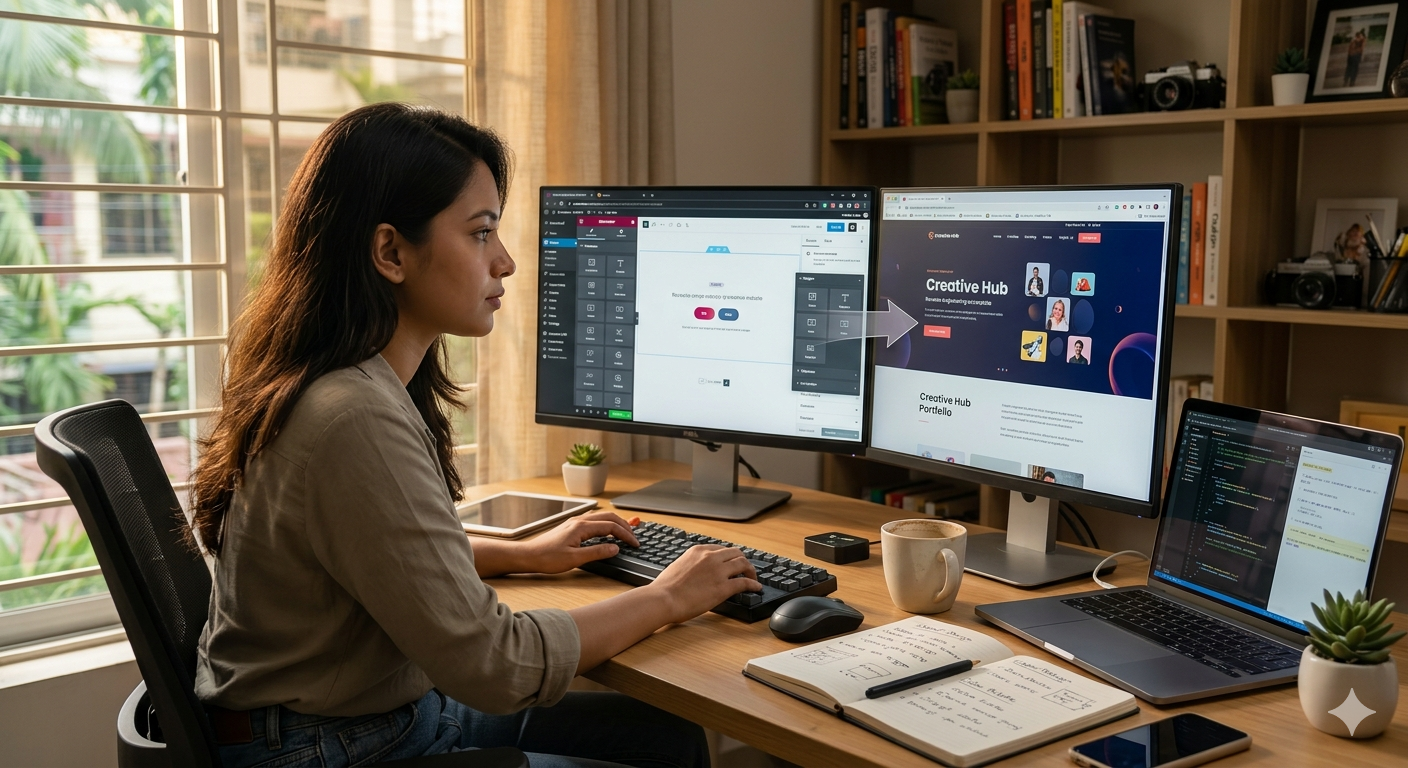
Page builders like Elementor allow you to design pages visually without coding.
With Elementor, you can:
- Drag and drop sections
- Customize layouts easily
- Add animations and effects
- Create responsive designs
This is one of the most important tools for recreating a website design.
Step 4: Recreate Sections One by One
Start building your website section by section:
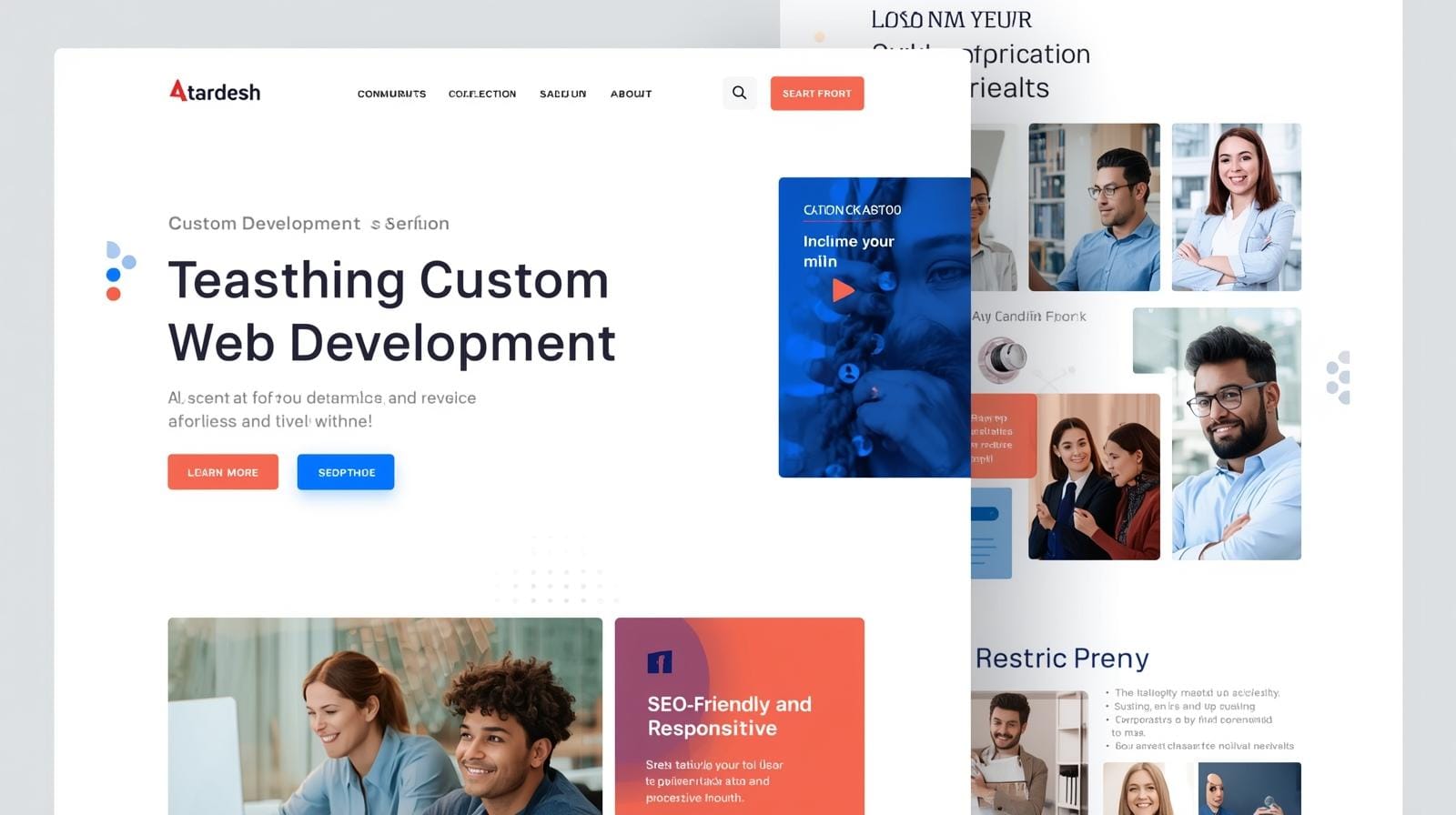
- Header with logo and menu
- Hero section with image or banner
- Services or features section
- Testimonials or reviews
- Contact forms
- Footer
Do not rush the process. Focus on accuracy and consistency.
Step 5: Add Required Plugins
Plugins help you add functionality to your website. Some essential plugins include:
- Contact form plugins for user interaction
- Slider plugins for visual elements
- SEO plugins like Yoast SEO
- Caching plugins for speed optimization
Using the right plugins ensures your website works smoothly and efficiently.
Step 6: Optimize for Mobile Devices
Most users access websites from mobile devices. Make sure your website looks perfect on all screen sizes.
Check:
- Mobile responsiveness
- Font readability
- Button sizes
- Image scaling
A mobile-friendly website improves user experience and SEO ranking.
Step 7: Improve Website Performance
Speed is a major ranking factor in SEO. To improve performance:
- Compress images
- Use a caching plugin
- Choose a fast hosting provider
- Minimize unnecessary scripts
A faster website leads to better user engagement and higher search rankings.
SEO Best Practices for Cloned Websites
Cloning a design is only part of the process. To rank your website on search engines, you must follow proper SEO techniques.
Use Unique Content
Never copy content from another website. Write original and high-quality content that provides value to users.
Search engines penalize duplicate content, which can harm your rankings.
Optimize Keywords
Use relevant keywords throughout your website, including:
- Page titles
- Headings
- Meta descriptions
- Image alt text
For example, if your service is website design, include keywords like:
- WordPress website development
- website cloning services
- professional web design
Improve On-Page SEO
Make sure your website follows on-page SEO guidelines:
- Use proper heading structure (H1, H2, H3)
- Add internal links
- Optimize images
- Write clear meta descriptions
Build Backlinks
Backlinks from other websites help improve your domain authority.
You can build backlinks by:
- Writing guest posts
- Listing your business in directories
- Sharing content on social media
Legal and Ethical Considerations
When cloning a website, it is very important to follow ethical practices.
- Do not copy copyrighted content
- Do not use someone else’s logo or branding
- Avoid duplicating images without permission
- Create your own unique identity
Always use website cloning as inspiration, not duplication.
Tools That Help in Website Cloning
There are several tools available that can make the process easier.
All-in-One WP Migration
This plugin allows you to copy a full WordPress website when you have access. It is useful for backups and migrations.
Duplicator Plugin
Duplicator helps you duplicate, migrate, and clone WordPress sites easily.
Elementor Templates
Elementor provides ready-made templates that you can customize according to your needs.
Benefits of Website Cloning
Website cloning offers several advantages:
- Saves development time
- Helps beginners learn design
- Allows faster project delivery
- Improves design skills
- Provides inspiration for new ideas
Who Should Use Website Cloning?
Website cloning is useful for:
- Freelancers who build client websites
- Beginners learning web design
- Businesses creating new websites
- Agencies handling multiple projects
Common Mistakes to Avoid
Many beginners make mistakes while cloning websites. Avoid the following:
- Copying content directly
- Ignoring mobile responsiveness
- Using too many plugins
- Not optimizing for SEO
- Poor design consistency
Why Choose WebKoders for Website Development?
If you want a professional website inspired by modern designs, WebKoders can help you achieve your goals.
WebKoders specializes in:
- WordPress website development
- Custom website design
- Website cloning services
- UI and UX optimization
- SEO-friendly website creation
With expert developers and designers, WebKoders ensures that your website is not only visually appealing but also high-performing and optimized for search engines.
Final Thoughts
Website cloning in WordPress is a powerful technique when used correctly. It allows you to learn, create, and build high-quality websites efficiently.
However, always remember that the goal is not to copy but to create something unique and valuable. By combining inspiration with creativity, you can build websites that stand out and perform well in search engines.
If you are serious about building a professional website, start practicing today and follow the steps outlined in this guide.
For expert assistance and professional services, visit https://webkoders.com/ and take your website to the next level.